THE PERSON ASKING
- Press the button
- Choose your family
- Wait for their call
A family member opens the request and calls the registered number.
An unexpected request for money? Pause,
and check with your family before deciding.
iPhone and Android apps and widgets are in preparation.
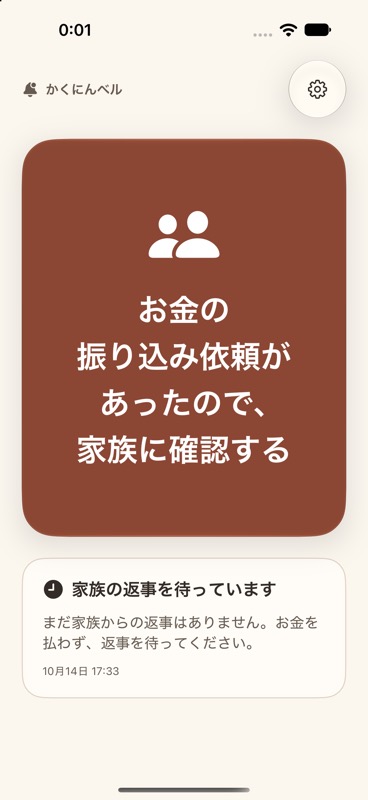
When someone asks for money,
check with your family first.
Notify everyone, or just the family members you choose.
Open the notification,
then call the registered number.
A familiar voice. A moment to check.

A family member opens the request and calls the registered number.
Use your familiar contact details and check with your family member.
Join with a QR code, link, or code. Check names, phone numbers, and roles first.
See family setup →Release is in preparation. This site will announce when distribution begins.
The widget opens the app. Choose the family members to notify, then send. Tapping the widget does not automatically notify the whole family.
Kakunin Bell helps you check with family. It does not determine whether something is a scam or guarantee a transfer is safe. Do not make a payment based only on a “check completed” status. Speak to your family member using a phone number you already know.
Notifications may be delayed or fail because of connectivity, permissions, or device settings. If there is no reply, contact your family directly in the usual way before paying. Check notification settings